

Right now
Watch a real Hour
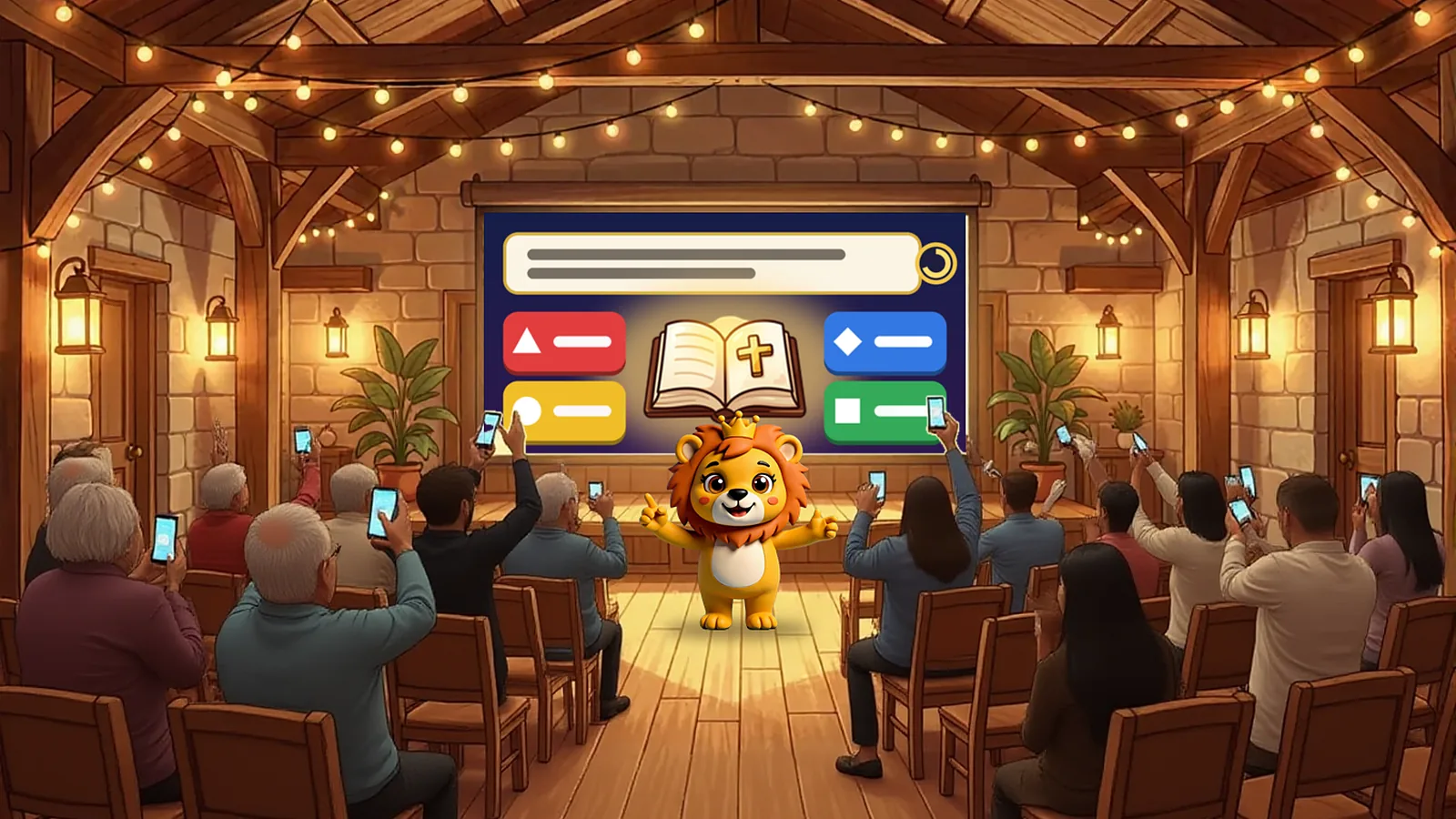
It looks exactly like what your church will see on the projector.
In one minute
How it works
The host and the Lion explain it.
How to start
Three steps, and they can play it this week
Create your church's group (or your family's)
In the app, Community → Groups. Share the group's code or QR so your people can join.
Launch it from the app
The group's admin opens the Trivia Hour, checks the questions and launches it. The group chat lets everyone know.
Project it at elmasterdelabiblia.com/vivo and let everyone play from their phone
Open the page on the big screen with the Hour's code. Everyone plays from their phone; the screen narrates and keeps score.
Questions
What people usually ask
How many can play?
Up to 500 people in the same Hour, each on their own phone.
Do I need internet in the church?
The big screen needs a browser with internet: a laptop, a Smart TV or whatever you plug into the projector. Each person plays on their own phone's data, so you don't need Wi-Fi for everyone.
How much does it cost?
Whoever launches it gets three free Hours per week. With the Lion Club they are unlimited. Playing and watching are free.
Can I add questions about my church?
Yes. The wizard brings 10 ready-made questions and you can edit each one before launching: a verse from the last sermon, your congregation's story, anything you like.
Does it work for the family, on the TV?
Yes. Open the Hour in the Smart TV's browser or on a laptop plugged into the TV, and everyone plays from their phone on the couch.
For the church entrance
Print the poster
An A4 sheet with the Lion, the steps and a QR that installs the app. It has room to write your group's code and the day of the Hour.
Open the posterStart this week
The app is free. Create the group today and launch your first Hour at your next meeting.
 Scan it with your phone